Text or Two Frames? Choosing Inputs for a Free AI Video Generator No Signup Required
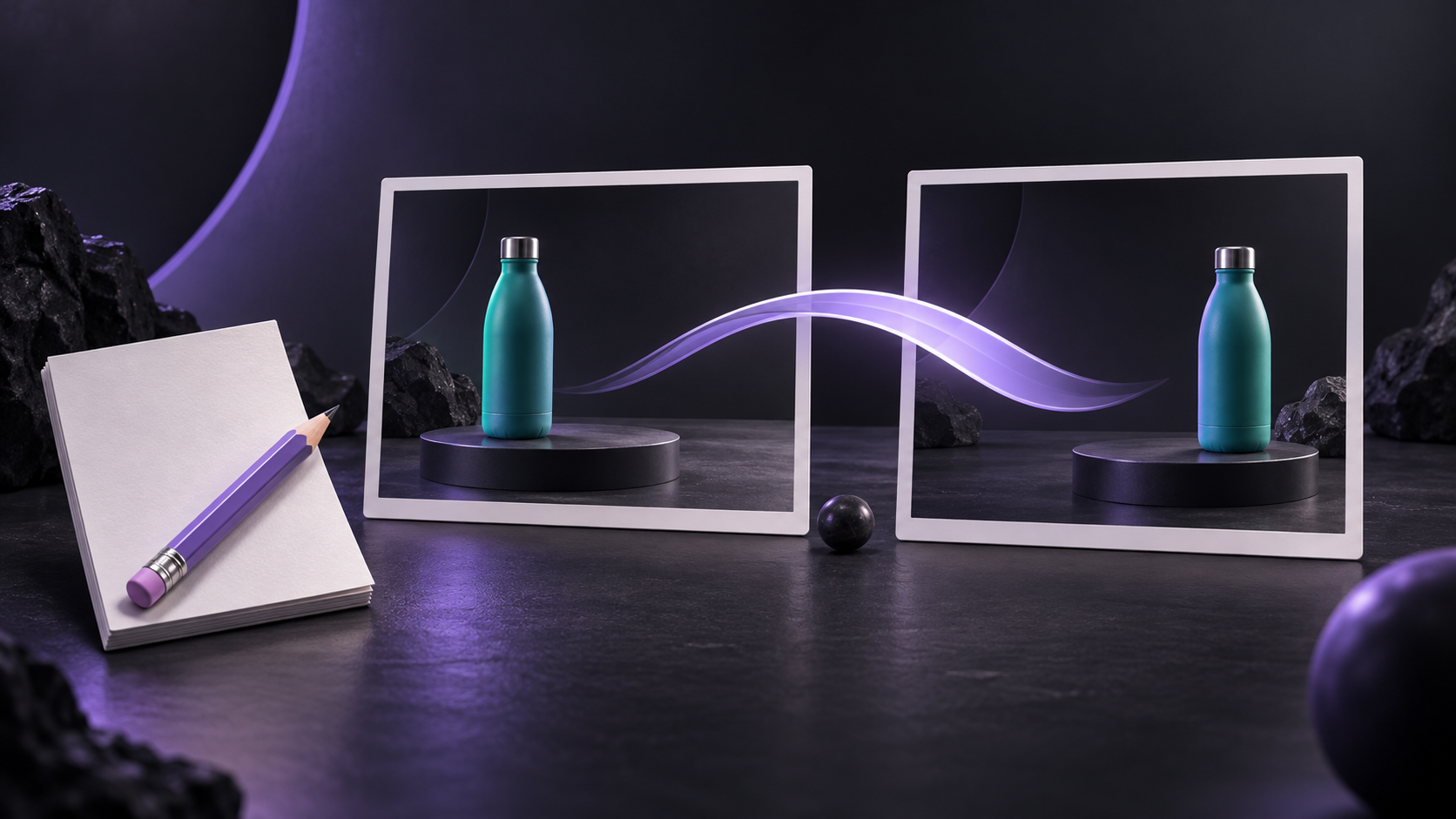
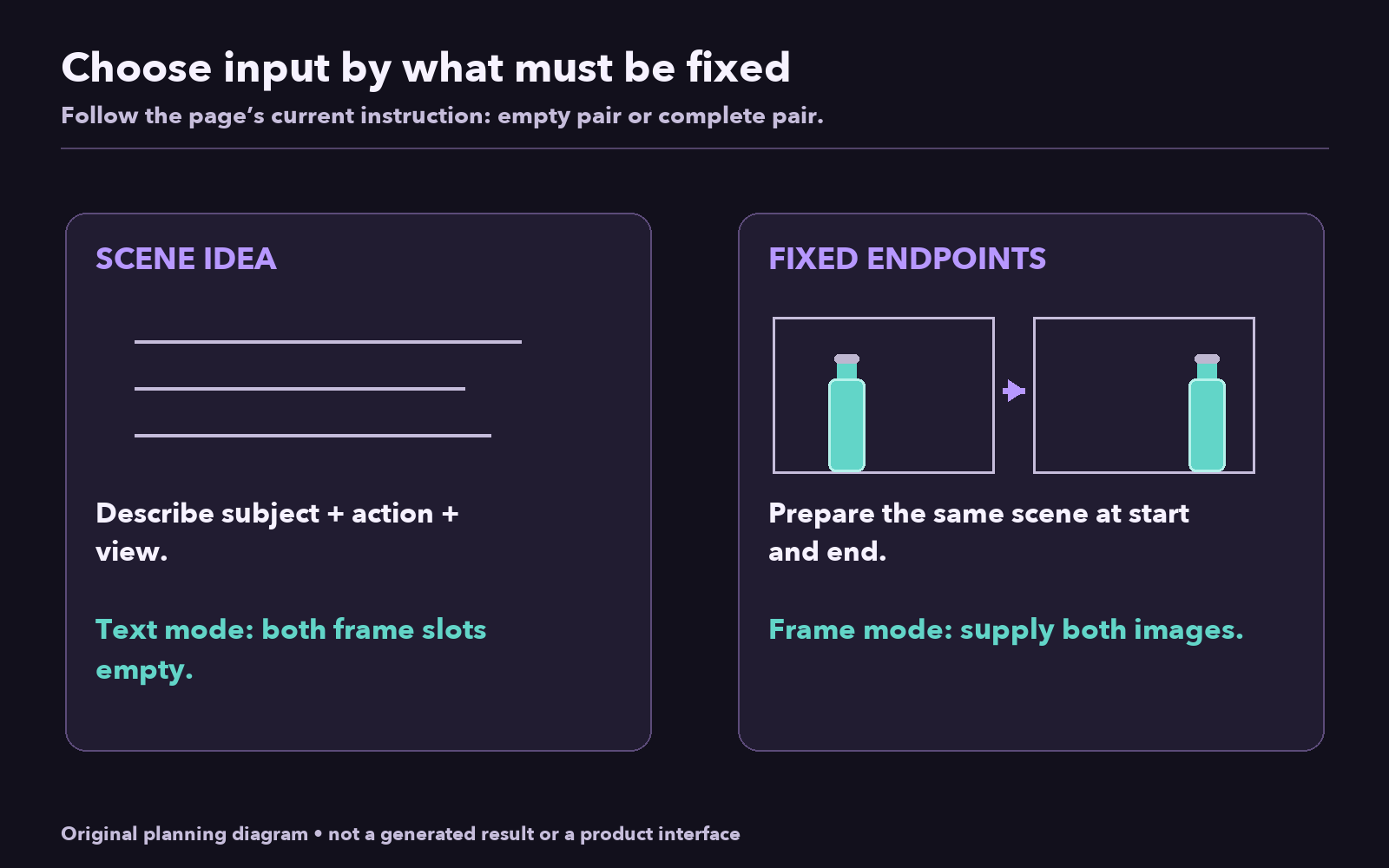
Choose your input by asking what must already be fixed. If you have an idea for a scene but no exact opening or closing composition, describe it in text. If two particular endpoint images matter to the shot, prepare both images and explain the motion between them.
For a free ai video generator no signup required, this choice can save you from preparing unnecessary assets or submitting an incomplete frame pair. The current FLAQ AI instructions distinguish text mode, with both frame inputs empty, from frame-guided mode, with both images supplied. This guide uses original bottle diagrams to explain the planning; they are not screenshots or generated results.
Use text when the scene is still an idea
Imagine you need a short visual for a post about organizing a desk. You know the action—a plain teal bottle slides gently across a clean surface—but you do not need it to match a particular photograph. A text prompt can describe the subject, setting, movement, and camera without first creating reference images.
An unbranded teal bottle stands upright on a plain charcoal tabletop. It slides slowly a short distance from left to right and comes to rest. Fixed front view, soft side lighting, simple background. One continuous shot.
This route is appropriate when you are exploring the composition as well as the motion. You can inspect the preview and decide whether you want a wider view, more space around the bottle, or a different light. Do not build two reference images simply because the tool offers image inputs; each image introduces another preparation decision.
Text is also the clearer choice when you cannot describe what the second image should show. An attractive opening image alone does not provide a deliberate endpoint pair for this page's current frame workflow.
Use two frames when the endpoints matter
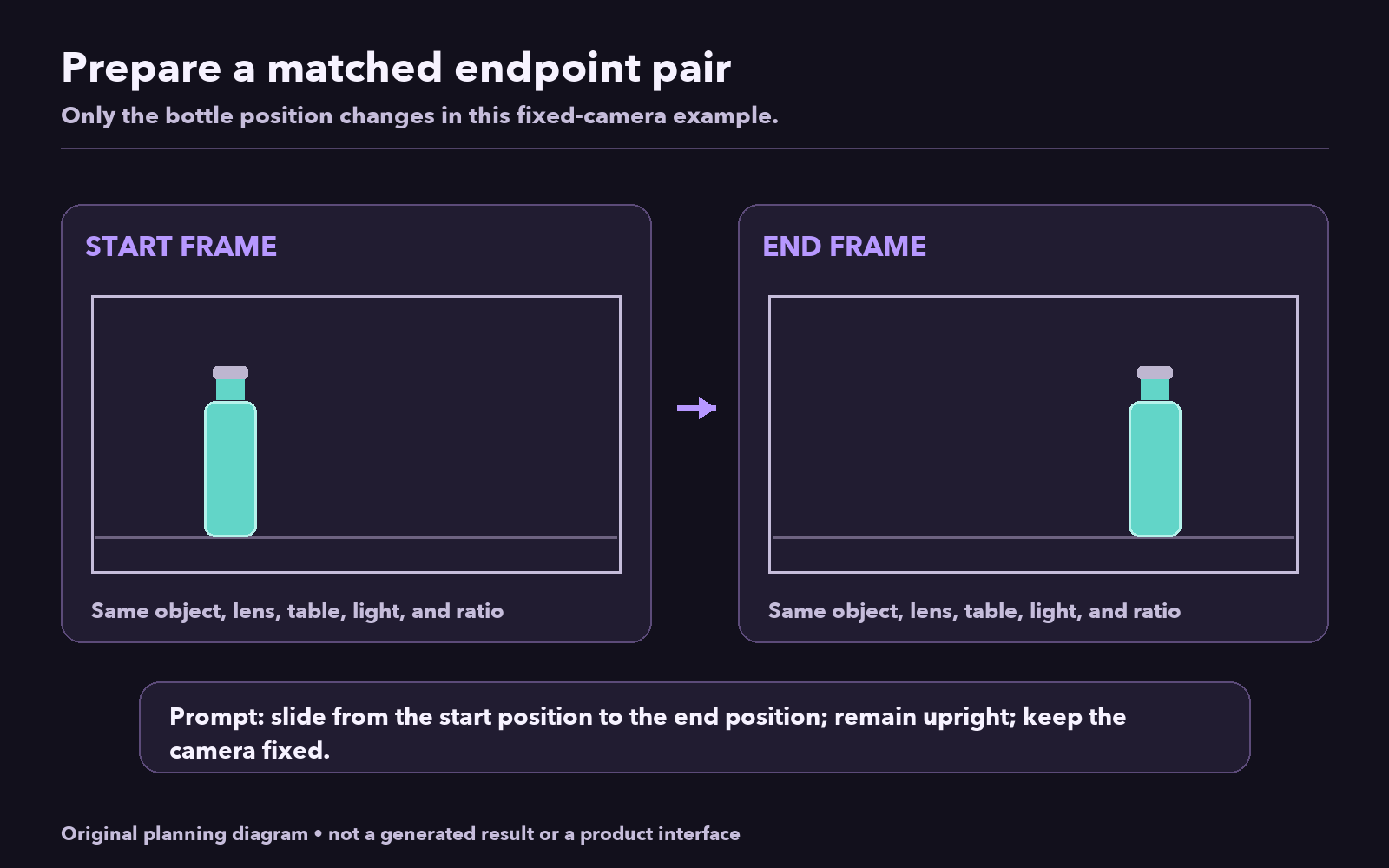
Now change the task: the bottle should begin on the left and finish on the right, using two compositions you have prepared. The start frame shows the opening arrangement; the end frame shows the intended closing arrangement. The prompt describes the change between them.
Begin with the same bottle, tabletop, background, viewpoint, and lighting in both images. Move only the bottle's position for this simple exercise. You are giving the tool an easier visual relationship to interpret than two unrelated pictures.
The endpoint images do not describe every moment in between. You still need a motion instruction:
The teal bottle slides slowly along the tabletop from its position in the start frame to its position in the end frame, remaining upright. The camera stays fixed. Keep the same background and lighting throughout.
That wording links the action to the supplied pair. It requests a continuous slide, rather than expecting the generator to infer whether the bottle should jump, rotate, or transform. The actual preview remains the place to judge whether the requested transition happened.
Prepare a pair that belongs to the same shot
Use images you have permission to upload and adapt. For a product scene, remove private information and unnecessary branding before preparing the pair. Do not assume that using a free generator establishes the rights to a photograph, a recognizable person, or a protected design.
Choose the output ratio, then prepare both images with matching framing. For the bottle example, a wide view gives the subject room to travel. If you use a vertical frame, shorten the proposed movement or reposition the bottle so both endpoint positions fit comfortably.
Compare the two images side by side before submitting. Ask whether they depict the same object and the same place. Check the bottle's shape, cap, color, and scale. Check the table edge and the background. Keep the camera height and angle consistent when the intended shot uses a fixed camera.
Do not quietly change the bottle from teal to red in the second image unless a color transformation is part of the task. Do not switch from a front view to an overhead view while asking for a simple slide. Those differences ask the transition to solve additional problems unrelated to the intended motion.
Keep room between the object and the frame edges. A bottle touching an edge in the start image and another edge in the end image leaves little room to judge continuity. A visible margin makes the subject easier to inspect throughout the clip.
Follow the current input rule
The FLAQ AI generator page describes a free, no-signup tool powered by MiniMax H3, with unlimited generation. Its current FAQ lists five-second, 480p previews, built-in audio, and 16:9, 9:16, and 1:1 ratios. It processes one request at a time and may queue requests.
For text mode, leave both frame slots empty. For the frame-guided route described here, supply both the start and end images. Do not assume that uploading only a start image is an interchangeable third mode: the page's current steps call for the pair. If your available material consists of one image, either prepare a coherent second endpoint or return to a text-only idea.
The phrase “powered by MiniMax H3” identifies the model named by the site. It does not mean that every model feature or API option is exposed on this free page. Plan the request around the controls and specifications the page actually describes.
Review the transition, not just the first image
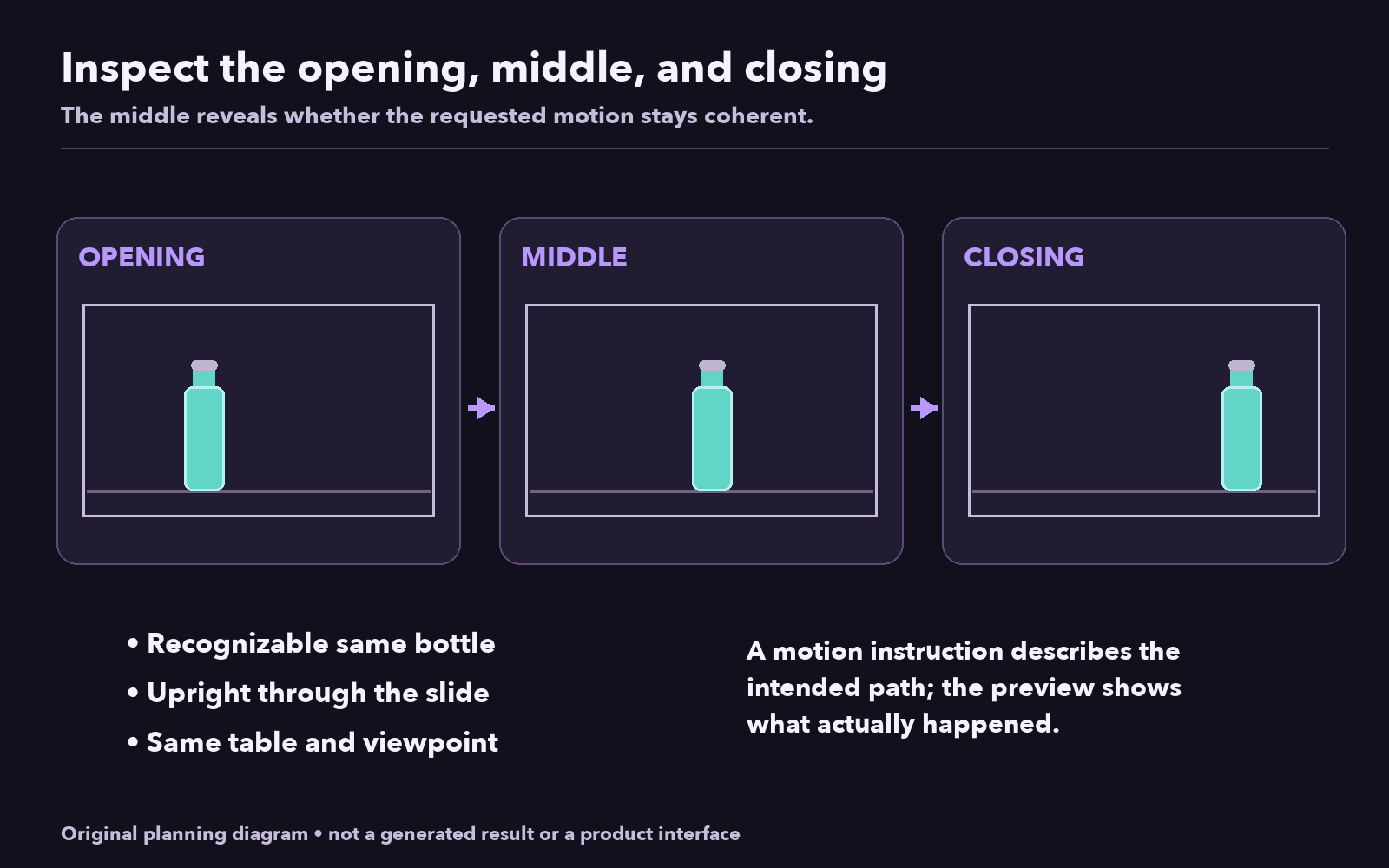
Watch the opening and closing first. Does the result retain the important subject and composition from each endpoint? Then inspect the middle, where the requested change should occur. For the bottle slide, check whether the bottle stays upright, remains recognizable, and travels along the tabletop without an unexpected scene change.
If the endpoint pair is coherent but the action is ambiguous, revise the motion sentence. If the pair contains mismatched scales or viewpoints, fix the images before adding more words. A longer prompt cannot make two inconsistent reference compositions into a well-planned pair.
Use the FLAQ AI free video generator for the route your material supports: text with both frame inputs empty, or a prepared start-and-end pair with a clear motion instruction. Save your prompt with the two source images so a later revision starts from the same plan.
This guide is published by FLAQ AI.